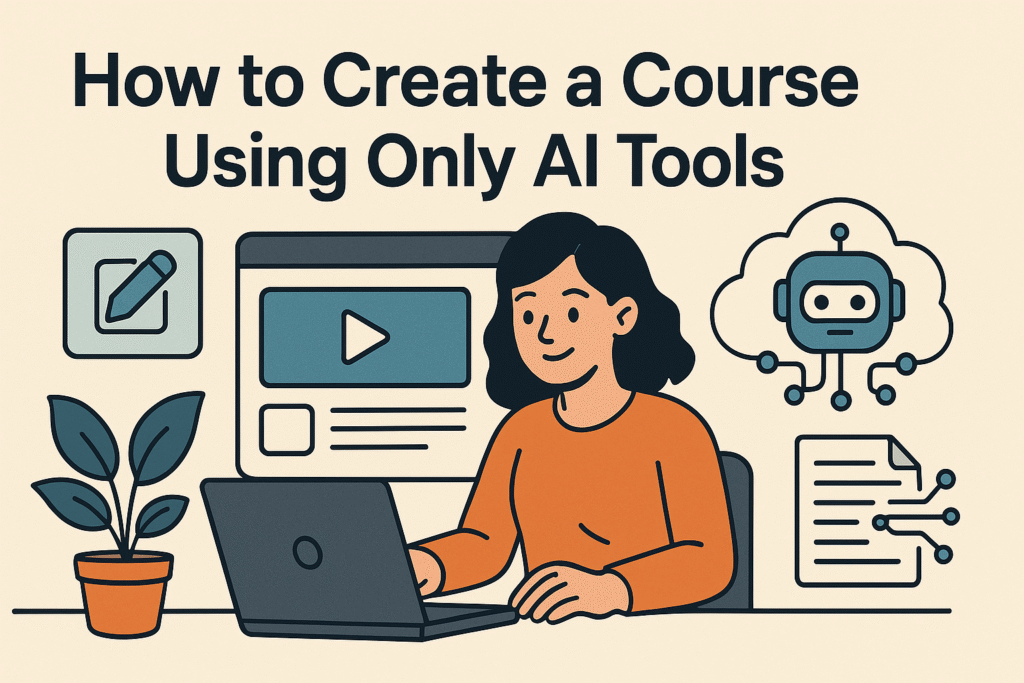
🎓 How to Create a Course Using Only AI Tools (2025 Step-by-Step Guide)
Learn how to create a course using only AI tools in 2025 — from scripting to video, slides, voiceover, and marketing. Build and sell online courses without tech skills on AiBlogQuest.com.
🧠 Introduction: Create a Course Using Only AI Tools
In 2025, you no longer need to be a designer, writer, or video editor to launch a successful online course. Thanks to powerful AI tools, you can create, design, narrate, and publish a full course — completely on autopilot.
Whether you’re a coach, educator, or niche expert, this step-by-step guide from AiBlogQuest.com shows you how to create a course using only AI tools, with zero tech experience required.
📚 Step-by-Step: How to Build Your AI-Powered Course
1️⃣ Plan Your Course with ChatGPT
Start by asking:
Prompt: “Outline a 5-module course on [your topic] for beginners.”
ChatGPT will return:
-
Course title and subtitle
-
Module breakdown
-
Lesson topics and learning outcomes
📌 Use Notion AI to organize and refine your structure.
2️⃣ Write Lesson Scripts Automatically
Next, use ChatGPT or Jasper.ai to generate full lesson scripts.
Prompt: “Write a 700-word script for Module 1: Introduction to [Topic] in a friendly, teacher-style tone.”
Repeat for each lesson.
🛠️ Tools:
-
ChatGPT (Free/Paid)
-
Jasper.ai (For tone/style variation)
3️⃣ Turn Scripts into Videos with AI
Convert your scripts into professional-looking video lessons using:
-
Pictory.ai – Converts text into video with stock visuals & subtitles
-
Synthesia – Creates AI avatar videos with voiceovers
-
InVideo – Offers templates for course trailers or video ads
Result: Instructor-style videos without showing your face or hiring talent.
4️⃣ Create Course Slides & Visuals with AI
Use Canva AI or Tome.app to generate:
-
Course slides
-
Lesson visuals
-
Cheat sheets & downloadable PDFs
-
Infographics & social media promos
Bonus: Use DALL·E or Midjourney to create custom illustrations.
5️⃣ Add Voiceovers or Narration with AI
No need to record yourself. Try:
-
Murf.ai – Natural-sounding AI voiceovers in multiple accents
-
ElevenLabs – Realistic and emotional speech synthesis
-
Lovo.ai – Voiceovers for different moods or audiences
Upload the voice files to your videos or slides as needed.
6️⃣ Build Your Course Website or Hosting Page
Use:
-
Teachable – Easy drag-and-drop course builder
-
Thinkific – Great for quizzes, certifications, and community
-
Gumroad + Canva – Sell a course as a PDF/video download
-
Notion + Tally.so – For a minimalist, free course site
No coding needed. Just plug in your modules and upload your content.
7️⃣ Market Your Course Using AI
Use AI to write and schedule:
-
Landing page copy – Jasper or Copy.ai
-
Email campaigns – ConvertKit + ChatGPT
-
Social media reels – Repurpose video via Pictory or OpusClip
-
Blog content – Supportive SEO blogs via SurferSEO + ChatGPT
Automate your entire sales funnel with Zapier + ConvertKit + Stripe.
💼 Example Use Case: “Create a Productivity Course in 7 Days”
-
Day 1: Plan modules with ChatGPT
-
Day 2–3: Write scripts & create slides
-
Day 4: Convert to video with Pictory
-
Day 5: Add voiceovers & PDF downloads
-
Day 6: Upload to Teachable
-
Day 7: Launch with ConvertKit + Reels
✅ Done: Your course is live — powered 100% by AI.
🔗 Useful Links – AiBlogQuest.com
🌐 Recommended Tools List
| Tool | Purpose |
|---|---|
| ChatGPT | Course outline & scripting |
| Pictory | Video creation from text |
| Canva AI | Slides, visuals, handouts |
| Murf/ElevenLabs | Voiceovers |
| Teachable | Course hosting & payments |
| ConvertKit | Email marketing |
❓ FAQ – Frequently Asked Questions
Q1. Can I really create a course with no video editing or design skills?
Yes. AI tools like Pictory and Canva handle design and production automatically.
Q2. How long does it take to build a course using AI?
You can complete it in 3–7 days, depending on course length.
Q3. Do I need to be on camera?
No! Use avatars (Synthesia) or voice-only narration (Murf, Lovo).
Q4. Can I make money from an AI-generated course?
Absolutely. Many creators are selling AI-powered courses on Teachable, Udemy, and Gumroad today.
Q5. What’s the best AI tool to start with?
Begin with ChatGPT for planning and scripting. It’s free and incredibly effective.
🏷️ Tags
Create a Course Using Only AI Tools, AI Course Creation, Teachable AI Course, AI Tools for Educators, Pictory Course Workflow, AiBlogQuest.com